"Thank you for an excellent product! It really is a sublime piece of utility. You have a customer for life with this product. Will certainly tell my friends about CINCH."
Streaming Audio Recorder for Windows & Mac
Record streaming audio and save clean, tagged music files.
Capture any audio playing on your computer - from Spotify, Apple Music, YouTube Music, or any streaming service. No login required. No account ban risk.
Record up to 9 songs free | No login required
1M+
Downloads
4.9/5
User Rating
100%
Safe & Secure
CINCH AUDIO RECORDER
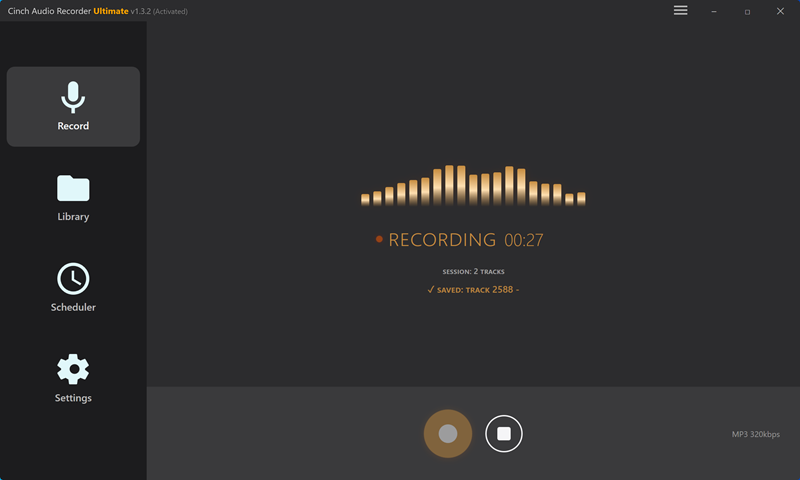
Flagship Product
Cinch Audio Recorder Ultimate
Record any audio playing on your computer - no login required, no account ban risk
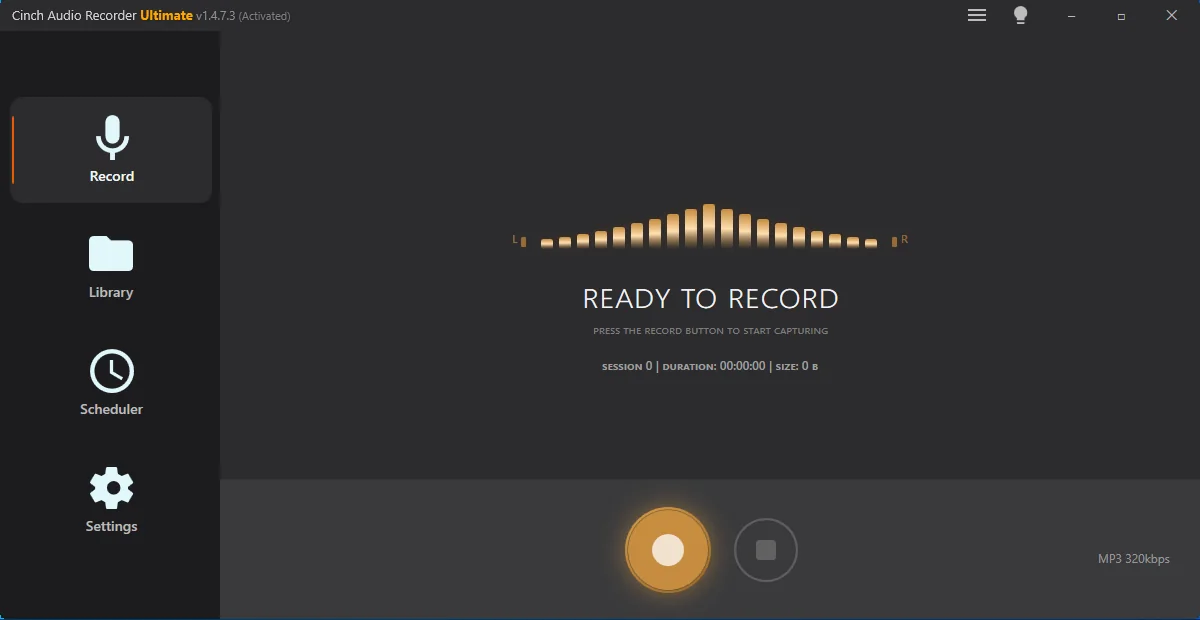
What You Can Do with Cinch Audio Recorder Ultimate
Key features for recording, identifying, and organizing streaming audio
No Login Required
Record from any streaming service without entering your password. Your account stays safe - no ban risk.
Perfect Quality
Crystal-clear MP3 (up to 320kbps) or lossless FLAC, ALAC, WAV. Captures exactly what you hear.
Auto Tagging & Lyrics
Automatically adds Title, Artist, Album, Cover Art, and synced lyrics to every song.
Ad-Free Recording
Automatically removes ads between songs. Only the music you love.
Silent Recording
Mute speakers while recording. Perfect for the office, library, or shared spaces.
Works Forever
Streaming services update anti-bot measures? No problem. If your computer can play it, Cinch can record it.
How Cinch Audio Recorder Ultimate Works
Record, identify, and save songs in 3 simple steps
1
Open Cinch and Play Music
Start Cinch Audio Recorder Ultimate, then play the songs, playlist, or stream you want to save.
2
Record and Identify Tracks
Let Cinch capture each track, detect song information, and pull in metadata while the music plays.
3
Review Files, Tags, and Lyrics
Keep your recordings as organized files, then review titles, album art, and lyrics inside your library.
Ready to Build Your Music Library?
Start your free trial today. Record up to 9 songs free. No login required.
What Cinch Audio Recorder Users Say
Feedback from people using Cinch Audio Recorder Ultimate
"Fantastic! Simple to use! Flawless! Good sound reproduction! ID tags work really great! Cinch was well worth the $35."
"I keep using this and continue to see this as an excellent product. Really nice work!"
"This version is truly a pleasure to use. The Library page is a big improvement, the text is clear and much easier to read. The recording quality is very good."
"Let's open champagne to celebrate. I tried today for 10 songs from YouTube and my Collections. They all get identified."
"The record function works perfectly. Found this by re-downloading the latest version and it's a great improvement."
More Cinch tools
More tools from Cinch Solutions

Download video and audio from thousands of supported sites with smart quality presets, audio-only mode, and batch-friendly controls.

Scan messy local music folders, fix tags and artwork, preview cleanup changes, and organize files without overwriting originals.