You are at the airport, your boarding gate just changed, and the playlist you thought you had saved suddenly does not play. The file is not really on your phone, the bot you used last week is now silent, and your fallback link times out. At first this feels random. It is not random.
Choose Method 2 for speed. Choose Method 3 for stability.
My rule is simple: I start with a 30-second sample before I trust any full playlist workflow. That tiny check catches most broken bots, wrong-track matches, and fake format promises before you lose time. By the end of this guide, you will know which method to pick, when a Telegram bot is enough, and when to switch to a recorder workflow that is slower but more stable.
If you need speed, choose Method 2. If you need stable repeated results, choose Method 3.
If you only want in-app offline playback, choose Method 1. If you need quick one-off files and can accept occasional mismatch, choose Method 2. If reliability matters more than speed, choose Method 3.
As of 2026, bot uptime and quality claims still change faster than most ranking pages.
In This Article:
Quick Answer
The best Spotify downloader Telegram bots can work for quick single-track grabs, but they are not equally stable and they do not always deliver the quality users expect. In most cases, your best result comes from using bots for light tasks and keeping a desktop fallback ready when links fail, queues stall, or metadata quality drops.
For transparency, this guide is published by Cinch Solutions, the team behind Cinch Audio Recorder. We recommend paid tools only when they clearly save time or reduce repeated failure loops. If a free method works for your case, use it.
According to Spotify support and Telegram Bot FAQ limits, a “working” bot today can still feel broken tomorrow because queue pressure, channel rules, and source matching can all change without notice. Treat bot workflows as convenient shortcuts, not permanent infrastructure.
Quick Summary
- Use bot workflows for speed, not permanence.
- Check one sample track first, then decide if batch download is worth it.
- If you want fewer surprises, keep a stable recorder path ready.
- If you need browser-focused options first, this comparison helps: Spotify Downloader Chrome Extensions.
Reality Check
People say “download” as if every method means the same thing. It does not. Spotify Premium offline mode stores playable content inside the app. Telegram bots usually process links and return matched files from external sources. These are different pipelines with different risks.
Official Source
“On Premium, you can download albums, playlists, and podcasts… You need to go online at least once every 30 days to keep your downloads.” — Spotify Support
Source: https://support.spotify.com/us/article/listen-offline/
Why it matters: Spotify offline mode is app-based and policy-bound, not a general MP3 export feature.
Here is the second limit most guides skip: quality labels and source quality are not the same thing. A bot can output an MP3 marked 320 kbps, but that label does not prove the upstream source was true high-quality audio. That part matters.
Also, this guide is not legal advice. It is workflow guidance. Legal note: For personal use only. Laws vary by region. Respect platform terms.
Which Method Should You Choose?
Think of it this way: choosing a method is like picking transport for a trip. A scooter is fast in the city, a train is steady for long distance, and a backup taxi keeps you moving when plans fail.
| Method | Max realistic quality | Failure risk | Best for | Time cost |
|---|---|---|---|---|
| Method 1: Spotify Premium Offline | App-bound Spotify stream quality | Low | In-app listening only | Very low |
| Method 2: Telegram Bot Workflow | Depends on matched source; often MP3/AAC claims | Medium to high | Fast one-off tracks | Low to medium |
| Method 3: Desktop Recording Workflow | Can be consistent with correct settings | Medium | Repeatable local library workflow | Medium to high |
In practice, most people do not need one method forever. They need one primary method plus one fallback.
What’s Possible?
Here is the short version: Telegram bots can be useful, but they do not bypass physics or policy.
Many public bot projects describe a metadata-match flow. To be more precise, the bot reads Spotify metadata and searches another source, often YouTube, then packages a downloadable file.
Official Source
“The bot searches for publicly available YouTube videos based on Spotify metadata.” — EXG1O project disclaimer
Source: https://github.com/EXG1O/Spotify-Downloader-Telegram-Bot
Why it matters: match quality depends on source match quality, not on a magic conversion step.
User Feedback
“How do I download in FLAC? I cannot find that option.” — user comment translated from a Telegram bot tutorial thread
Engagement: 2 likes, 5 months ago
What it implies: format claims and visible user options often do not match.
Based on what I’ve seen in community signals, two expectations cause most frustration:
- Expecting every bot to stay online for months.
- Expecting every “320 kbps” label to reflect equal source quality.
The good news is that you can avoid both traps with a quick pre-check and a fallback plan.
Method 1: Spotify Premium Offline Downloads
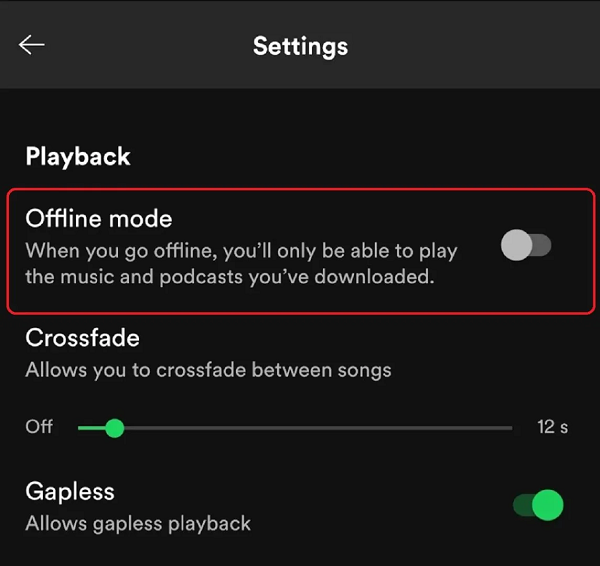
If your goal is simple offline playback in the Spotify app, this is usually the cleanest route.
Works well when: You already have Premium and only need playback inside Spotify on phone, tablet, or desktop.
Falls short when: You need transferable local files for USB players, editors, or non-Spotify devices.
Steps
- Open your playlist, album, or podcast in Spotify.
- Toggle download in the app.
- Keep your app updated and go online at least once every 30 days.
Honest limit
One honest limit: this method does not give you general-purpose MP3 files that you can move anywhere.
Common mistake
The mistake most people make is assuming “downloaded” equals “exported file.” It does not in this mode.
Method 2: Telegram Bot Workflow
This is the fastest route for many users who need a few files quickly. It can also fail without warning when bots change, channels disappear, or request limits kick in.
Works well when: You need one song fast, can verify output manually, and accept occasional mismatch.
Falls short when: You need stable daily batch downloads with consistent metadata and low maintenance.
Steps
- Open Telegram and find a currently active bot.
- Send
/startand read required channel or usage rules. - Paste one Spotify track link first.
- Verify song version, duration, and tags.
- Continue with album or playlist only after that sample passes.
Top reviewed bots in 2026 (status: unstable)
As of 2026-02, these names appear most often across current SERP pages, public GitHub projects, and creator tutorials. Availability can change weekly.
| Bot | Typical use | Known friction |
|---|---|---|
@SpotSeekBot |
Fast single tracks and link-based requests | Uptime can change; queue delays during traffic spikes |
@Spotify_downloa2_bot |
Song and playlist requests with free/premium tiers | Daily caps and waiting windows on free access |
@DeezLoad2Bot |
Multi-source matching workflows | Catalog mismatch and occasional missing tracks |
If these handles are dead, search Telegram for spotify downloader bot, then verify with one 30-second sample before running full playlists.
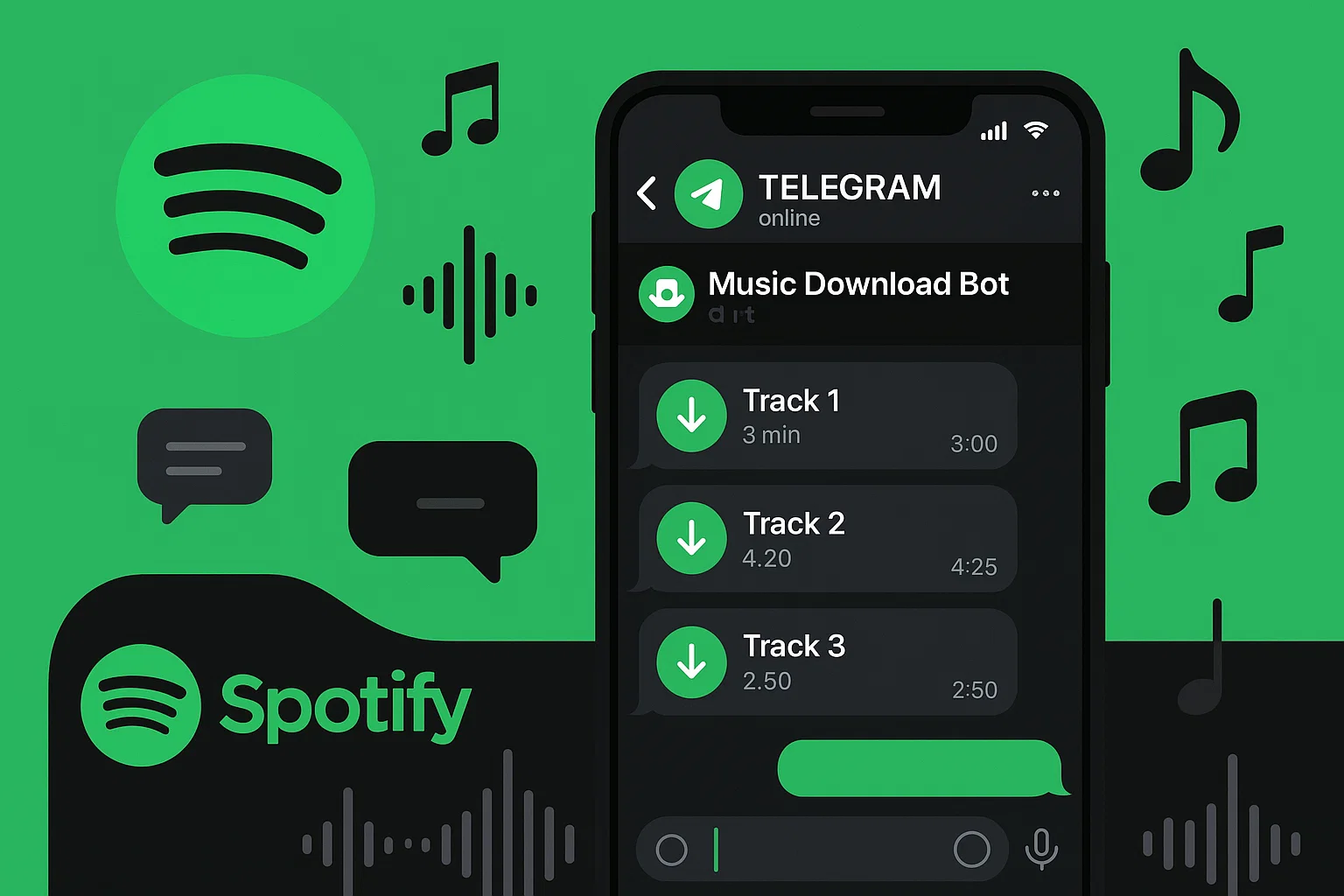
For a visual reference of bot-style interaction, see this public step capture:

Validation checklist before batch runs
Step 1: Compare track length from Spotify and bot output. If the gap is large, stop.
Step 2: Check whether explicit tags, artist spelling, and cover art are consistent.
Step 3: Try one known hard case, such as a live edit, to see how the bot resolves duplicates.
Step 4: Only then run a full list. This adds two minutes, but it saves much more time when a 100-track run returns the wrong versions.
Here’s the thing: queue behavior matters more than many guides admit. Telegram Bot FAQ documents message limits, and high-traffic windows can create delays even when the bot is technically online.
If you want a recorder-first fallback path with more setup control, this guide can help: How to Record from Spotify.
Risk notes
- Typically, free bot tiers have daily caps, channel requirements, or slower queues.
- More often than not, dead links are solved by switching bot handles, not by retrying ten times.
- Some bot directories have stale verification dates, so “online” labels may lag real status.
Method 3: Desktop Recording Workflow (Cinch or Audacity)
This method takes longer, but it is often easier to repeat when bot uptime is unstable.
Works well when: You need predictable local files and can spend setup time once.
Falls short when: You need immediate download in seconds with zero setup.
Practical setup idea
- Prepare output format and folder naming.
- Run a short sample capture.
- Confirm tags and file size.
- Continue with longer sessions.
This wasn’t the original goal for many users, but it turned out to be the stable path after repeated bot outages.
Honest limit
One honest limit: real-time capture takes real time, so long playlists are not instant.
Quality point that many pages miss
A free desktop path like Audacity loopback can reach similar practical output quality in some setups. The difference is often workflow speed, automation, and tag handling, not magic audio gain.
For cleaner repeatability, keep audio settings explicit: 44.1 kHz or 48 kHz sample rate, stable output device, and consistent naming rules. Think of it as setting a template before you start packing files into your library.
Why Cinch Is a Practical Option
If you need a guided workflow with automated tagging and simple batch handling, Cinch can be practical.
- Best fit: users who want fewer manual tag edits and a cleaner repeat process.
- Not ideal fit: users who only need one quick file once in a while.
- Objective limit: it is a desktop tool and still follows real-time capture behavior in many cases.
Put simply: choose Cinch for workflow stability, not because it creates impossible quality gains.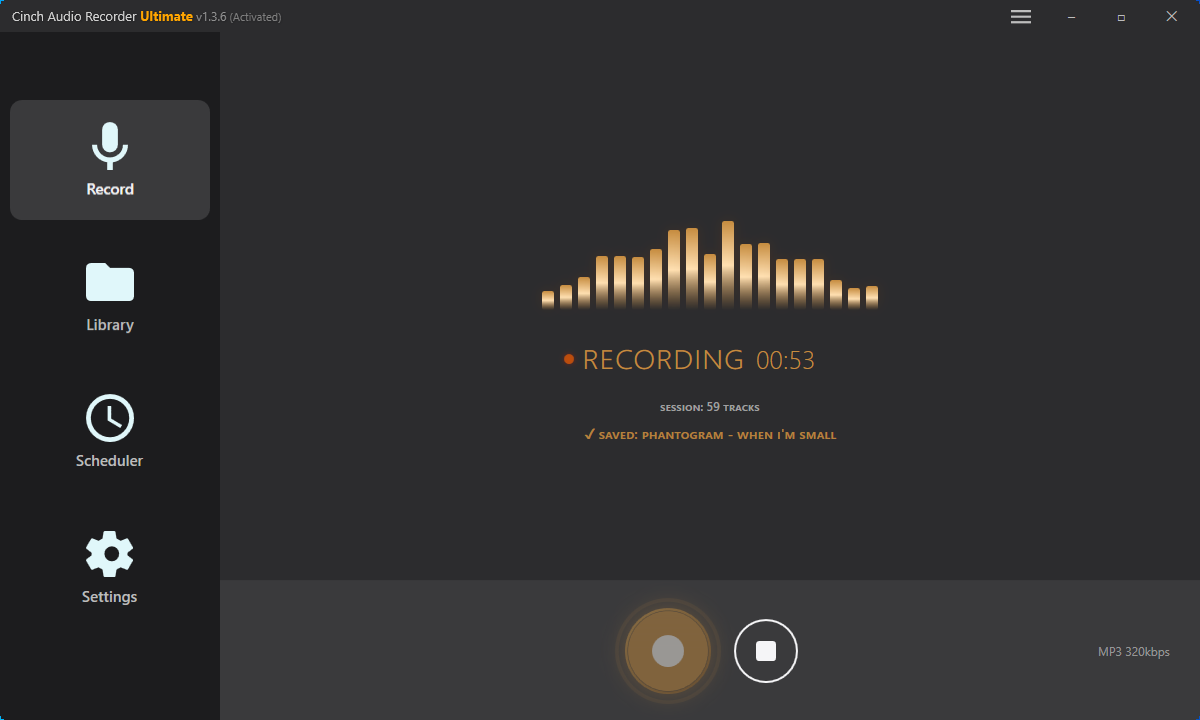
Download Cinch Audio Recorder


Why Trust This Guide?
This page combines official platform documents, public open-source bot docs, and recent community activity signals instead of relying on one marketing page.
- Official references: Spotify support and terms, Telegram bot FAQ.
- Community references: active video comments, open-source repository activity.
- Practical framing: each method includes a fit case and a non-fit case.
Update cadence: monthly review, plus event-trigger updates when major bots go offline.
Best Practices for Downloading?
- Use a 30-second sample check before any full playlist request.
- Keep a second bot option ready in notes, because bot handles can change.
- Verify track duration to catch wrong-match files early.
- Keep one fallback desktop workflow for outage days.
- Separate “quick grab” tasks from “long-term library” tasks.
- For format-heavy needs, compare practical workflows here: Spotify to WAV Guide.
Quick recap: speed first for one-off tasks, stability first for repeated tasks.
If your first run fails, do not force a full retry immediately. Pause, verify one sample, and switch method if needed. In most cases this avoids the long loop where users repeat the same broken request and only discover problems after an hour.
Troubleshooting
Bot says “processing” forever
Cause: Queue pressure or bot-side throttling during peak traffic.
Fix: Wait 10-20 minutes, retry one sample track, then switch to a backup bot if delay repeats.
Downloaded song is the wrong version
Cause: Metadata match selected a remix, live version, or alternate upload.
Fix: Search by exact artist + song title + duration, then confirm length before batch requests.
FLAC option is missing or not real
Cause: Bot exposes only certain formats in free mode, or source match does not support the claimed path.
Fix: Check actual bot output options first; if format control is required, move to desktop workflow.
Tags or cover art are inconsistent
Cause: Third-party metadata merge may return partial fields.
Fix: Use tools with stronger tag editing workflow, and verify one album before large imports.
Bot worked last week but is dead now
Cause: Handle changed, channel requirement changed, or service was removed.
Fix: Check recent creator posts, pinned comments, and active alternatives before repeated retries.
FAQ
Do Telegram bots download directly from Spotify servers?
Usually no. Many public bot projects describe metadata lookup plus external source matching.
Is a 320 kbps label always true source quality?
No. A 320 kbps output label does not prove an upstream quality gain.
Is Spotify Premium still useful if I use bots?
Yes, if your primary goal is simple app-based offline playback with lower operational risk.
When should I switch from bots to a desktop recorder workflow?
Switch when bot uptime, metadata quality, or queue reliability keeps breaking your routine.
Can I use these methods on phone only?
Method 1 and Method 2 are phone-friendly. Method 3 needs desktop setup.
Is there a safe legal line to remember?
Yes. Legal note: For personal use only. Laws vary by region. Respect platform terms.
Bottom Line
If you want quick and simple, start with Telegram bots and verify every sample before scale. If you want repeatable results with fewer surprises, use a desktop workflow as your fallback from day one.
I usually start with the fastest path, then move to the most stable path as soon as friction appears. That saves time, and it keeps expectations realistic.